
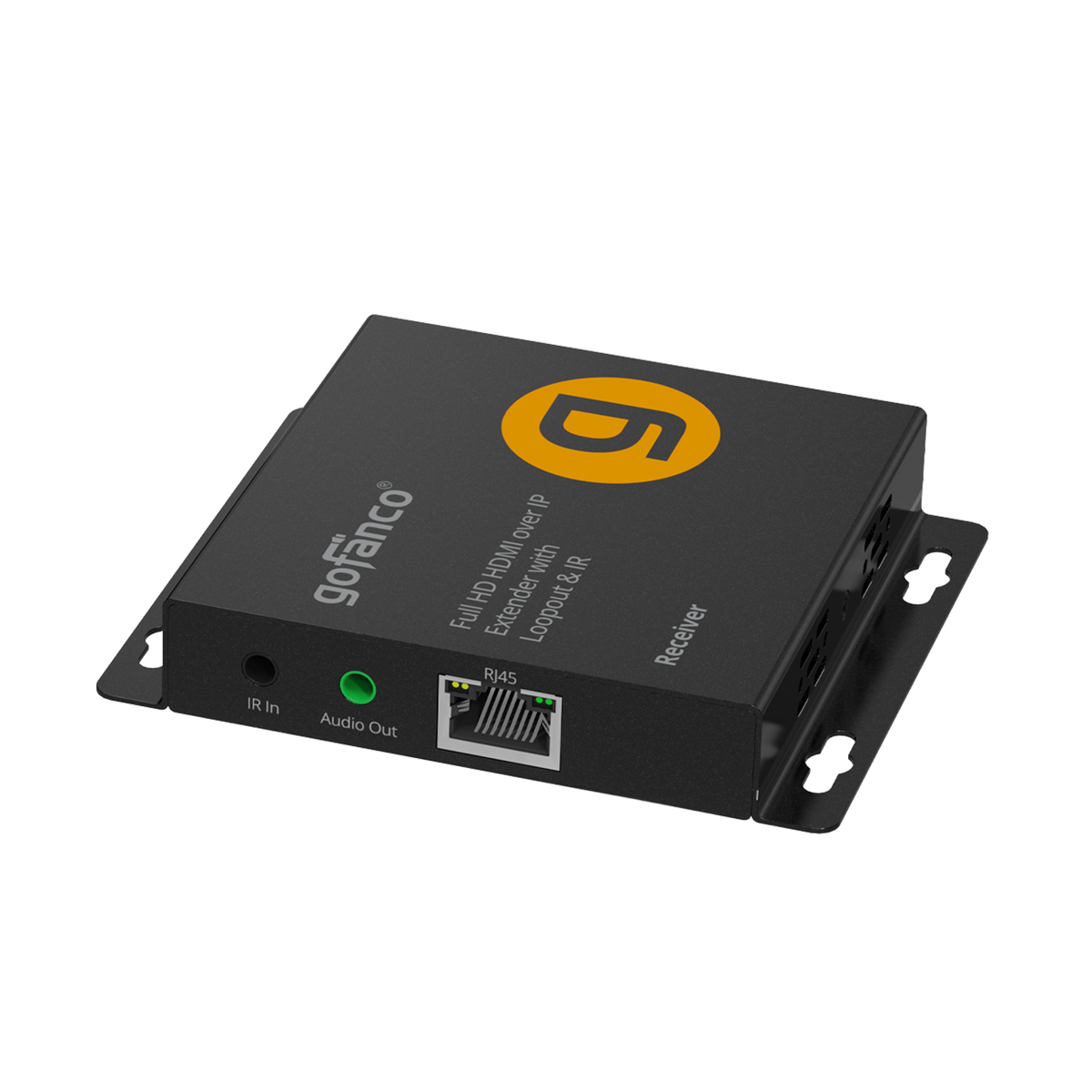





Full HD HDMI Over IP Extender with loopout & IR - 200m (Receiver only)
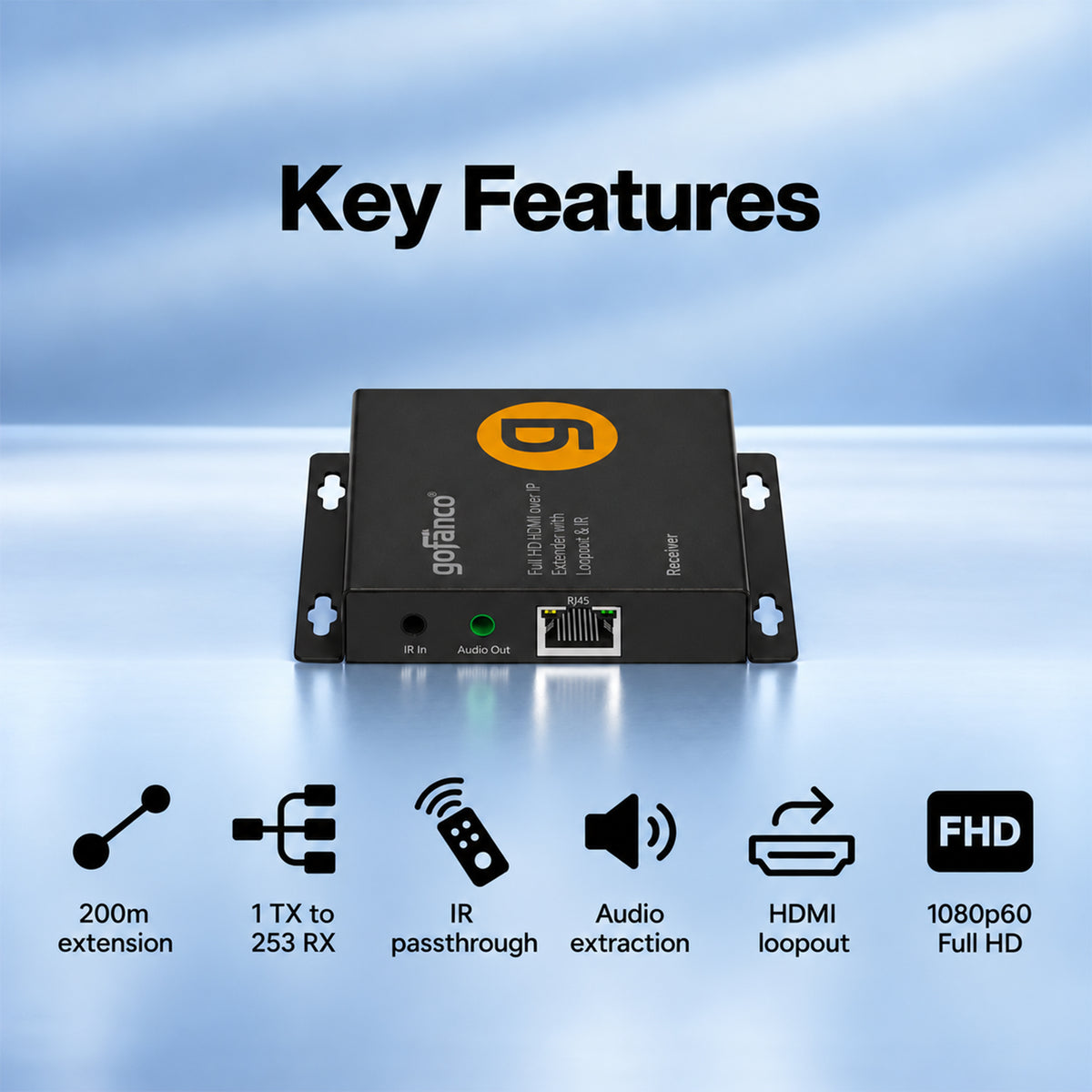
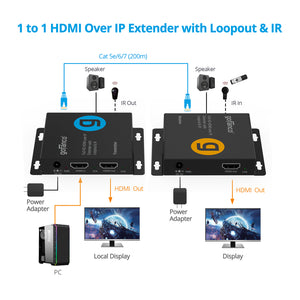
Extend HDMI Signals up to 656ft over Cat5e/6/7 cable with 1080p video. Maximum 253 displays, IR passthrough, audio extractor, work with EXHDIPPRO-200


Full HD HDMI Over IP Extender with Loopout & IR - 200m (Receiver)
Full HD Displays with Long-Distance Extension


Comparison Table
Specification
- HDMI Standard: HDMI 1.3 and HDCP 1.2 compatible
- Video resolution: 480p,576p,720p,1080i, 1080p 24/50/60Hz
- HDMI Bandwidth: 4.95Gbps / 165MHz (4.95Gbps all channels)
- Transmission distance: Up to 656ft (200m) at 1080p 60Hz
- Protocol: TCP/IP network standard
- Supported Network Cable: Cat5e / 6 / 7 cable follows the standard of IEEE-T568B
- IR Frequency Range: 20 - 60KHz
- Audio Format: PCM 2ch
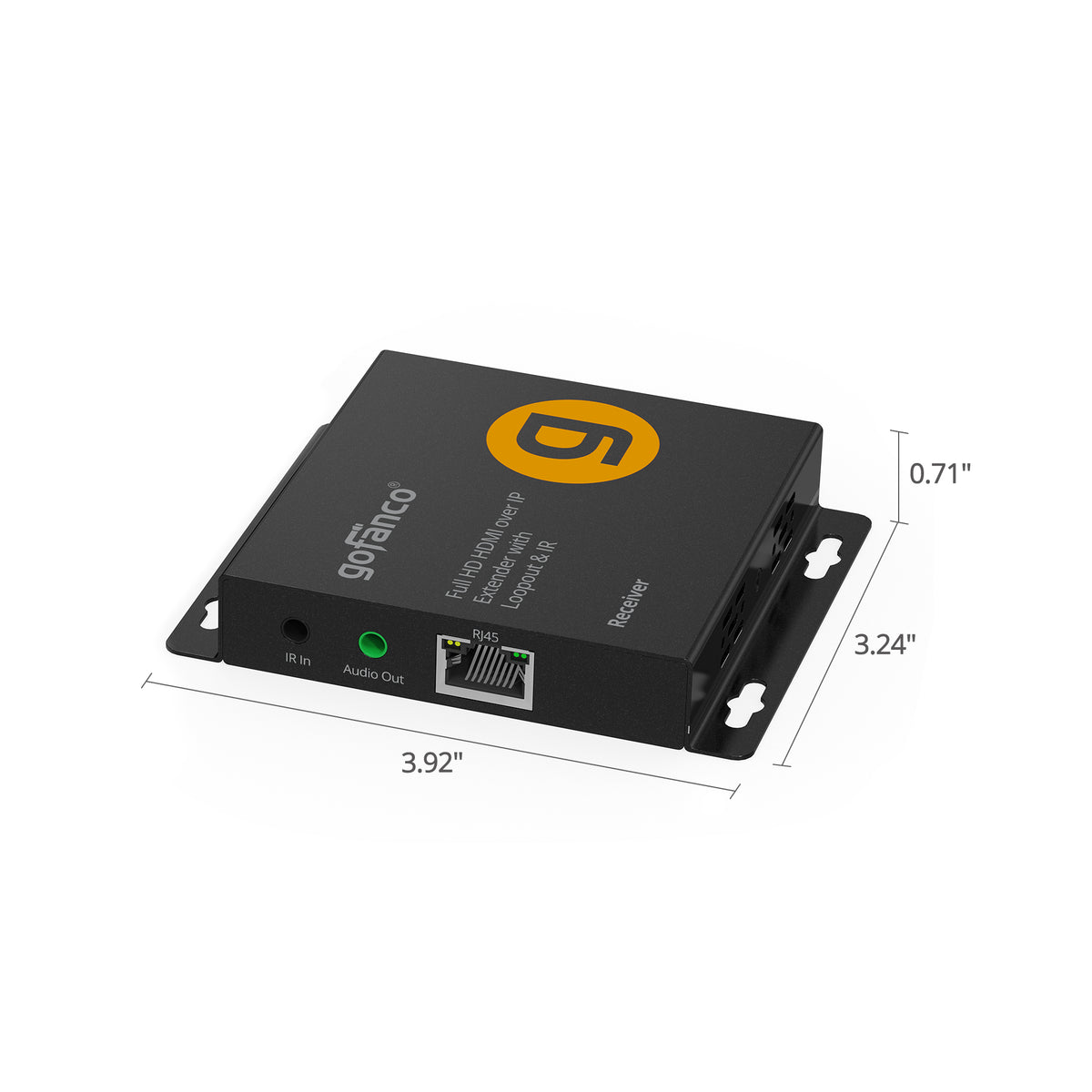
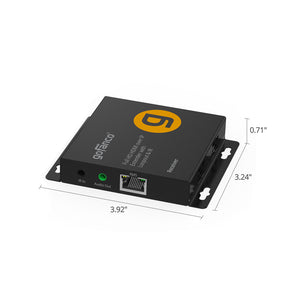
- Dimensions: 3.24" (W) x 0.71" (H) x 3.92" (D)
- Weight: 0.33 lbs
- Power Input: 100-240V AC, 50/60 Hz
- Power Output: DC 5V/1A
- Power Consumption: 4W
- Housing Material / Color: Metal / Black color
Connection
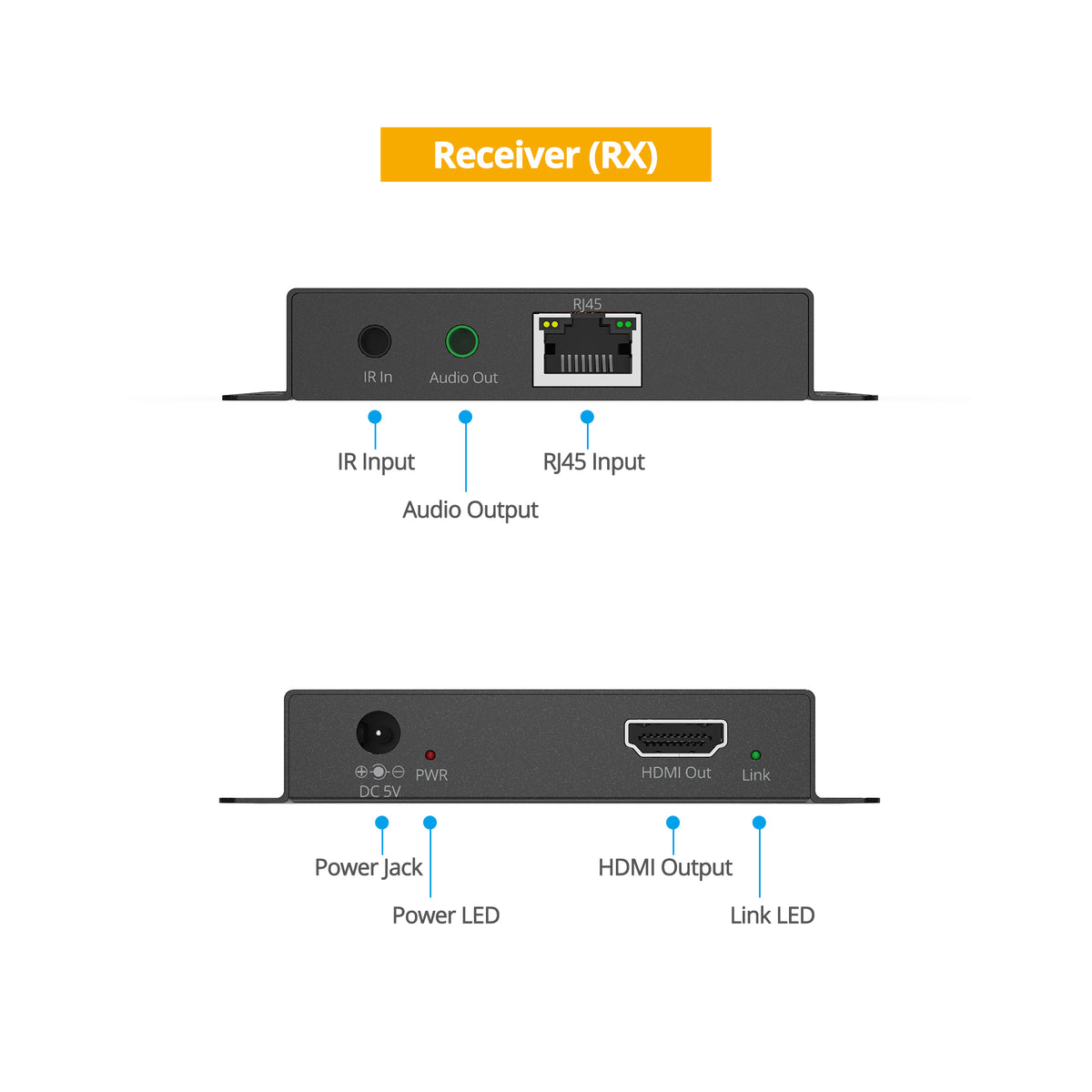
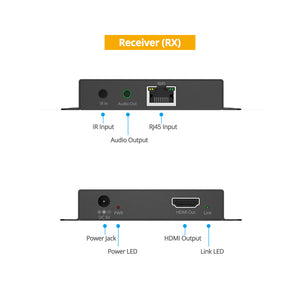
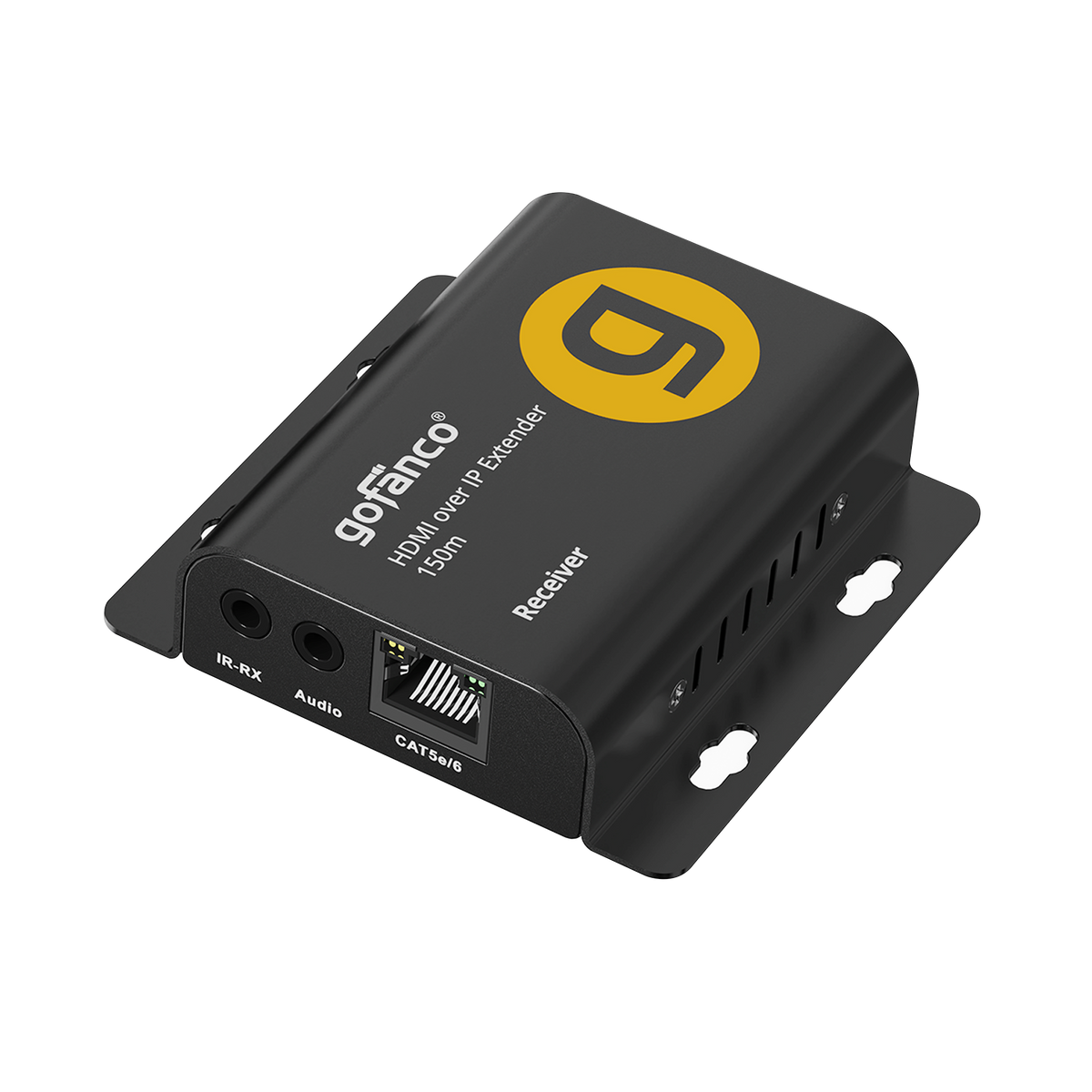
1x HDMI output
1x 3.5mm Audio out
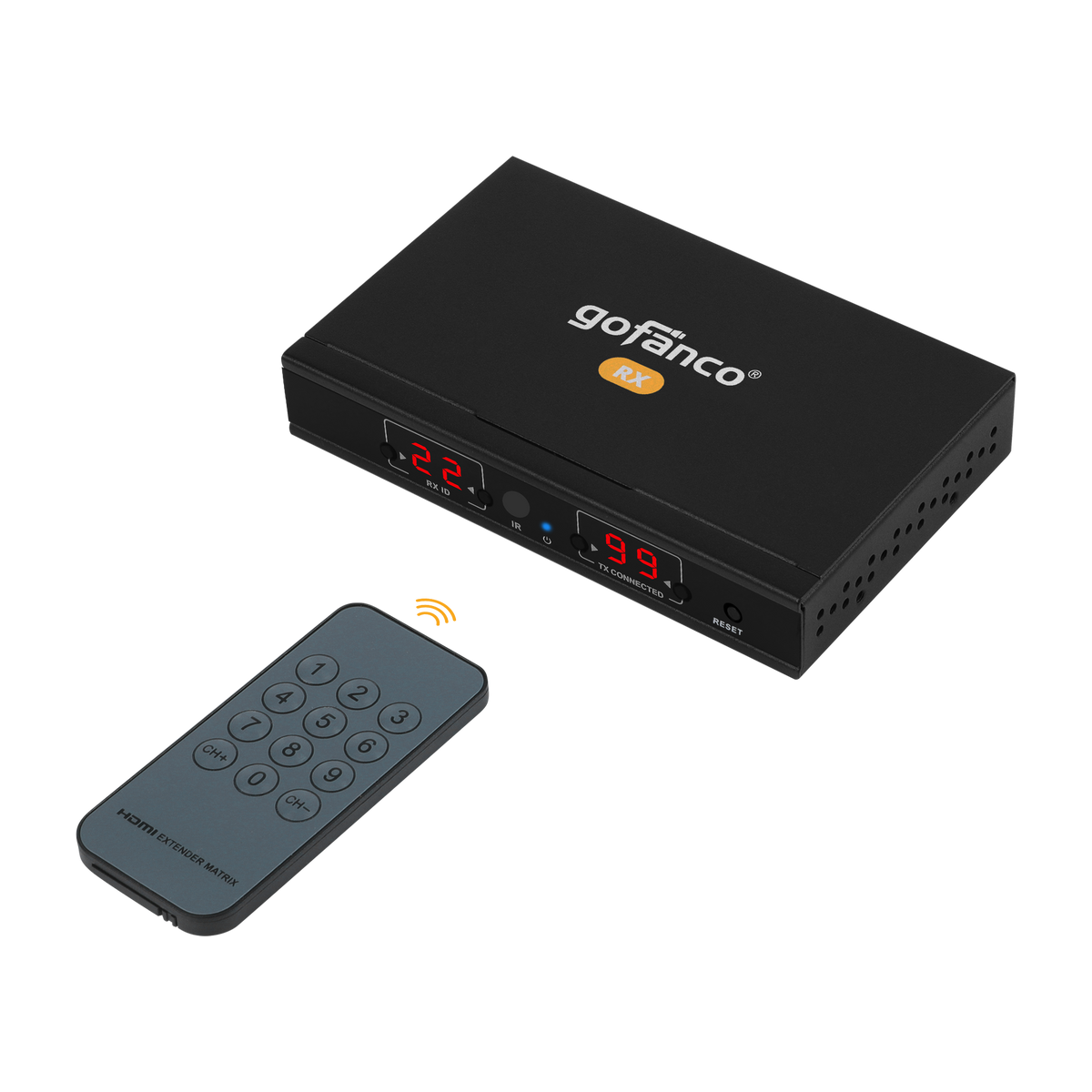
1x 3.5mm IR-RX in
1x 8P8C RJ45 in
1x DC/5V Power jack
Features
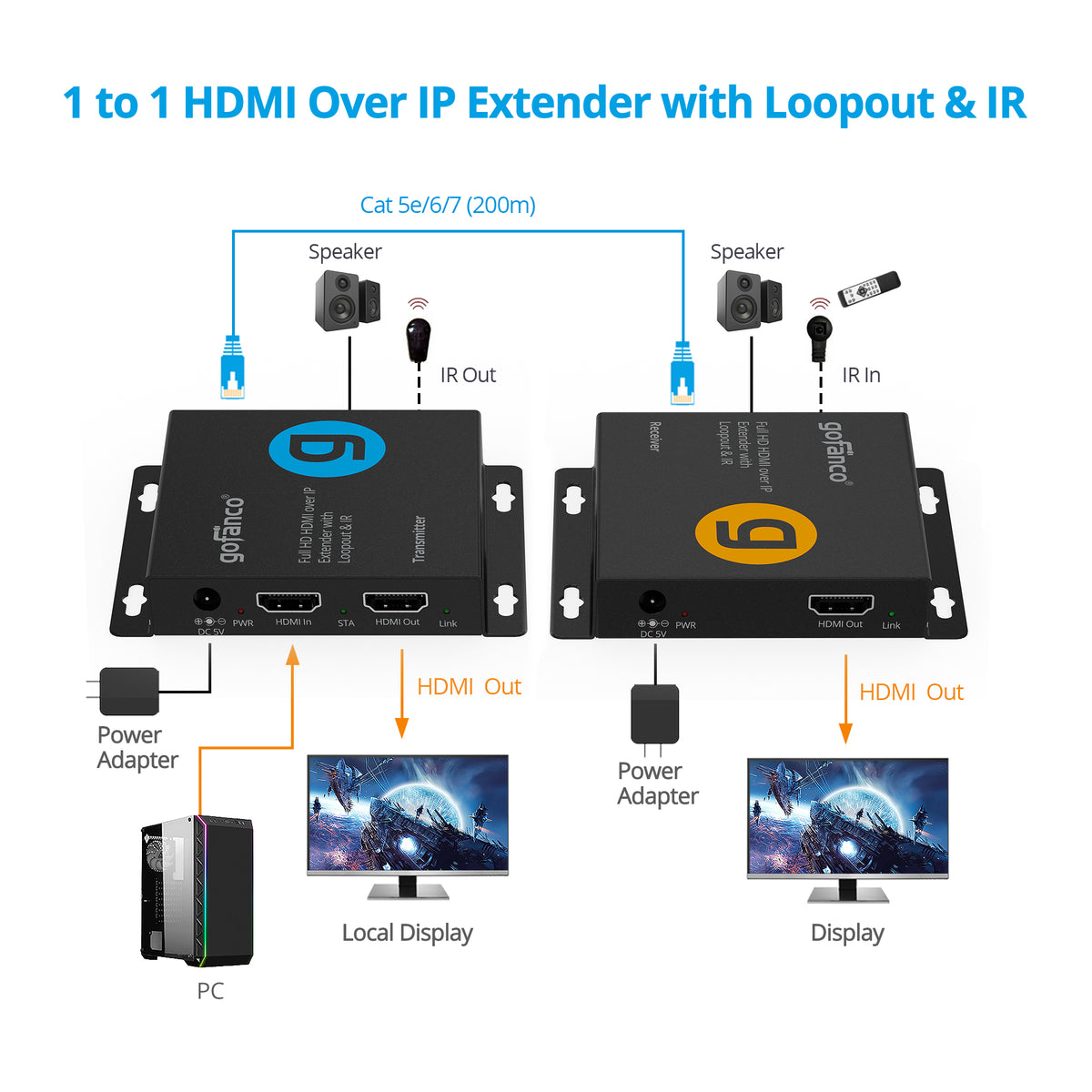
- Extends HDMI signal up to 200M (656ft) away through a single Cat6 cable
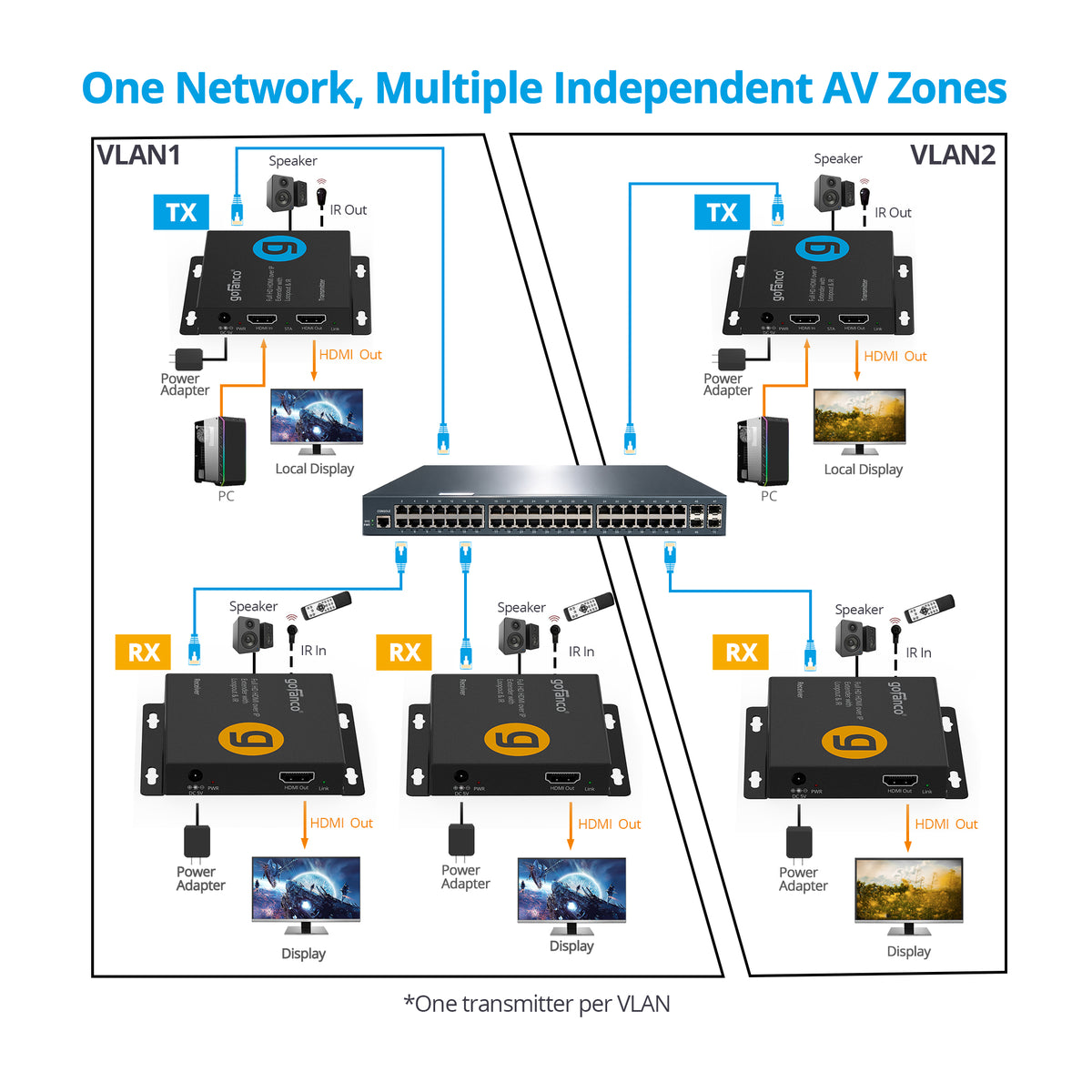
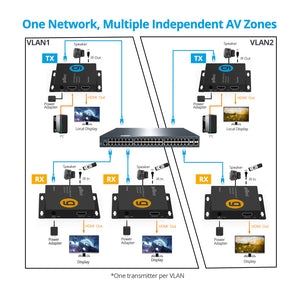
- Using network switches to create Many-to-Many Configuration, up to 253 receivers. *Use with Extender Kit (part# EXHDIPPRO-200) is sold separately
- Supports HDMI 1.3 and HDCP 1.2 specifications, video resolutions up to 1080p 60Hz
- HDMI loopout on the transmitter supports connection to a local display
- Supports stereo audio through HDMI for PCM 2CH audio extraction
- Support integrated IR pass-through
- Plug-n-Play installation, no software installation required
- The mountable and durable metal housing with ESD protection provides reliable operation
Standard
- UPC: 818354-023589
- Operation Temperature: 5℉ to 131℉ (-15℃ to 55℃)
- Storage Temperature: -4℉ to 140℉ (-20℃` to 60℃)
- Relative humidity: 10 to 80% RH (non-condensing)
- Regulatory approvals: FCC / CE / RoHS
- Limited One-Year Warranty and Lifetime Product Support
- Country of origin: China
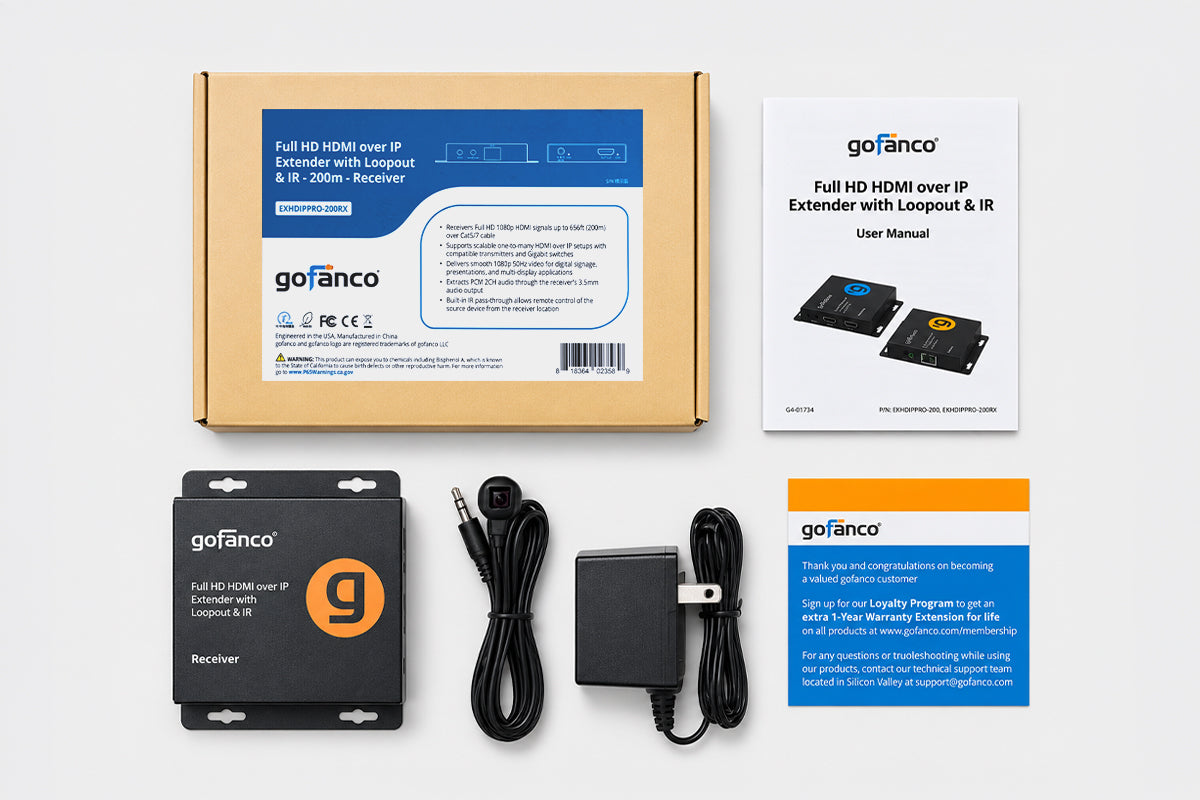
- Full HD HDMI Over IP Extender with Loopout & IR - 200m - Receiver
- Power adapter 5V/1A
- IR receiver cable
- User Manual
Manual
The display shows “Please check the TX and RX connection.” What should I do?
Make sure both the transmitter (TX) and receiver (RX) are powered on. Check that the Cat cable is securely connected to both units.
The extender is not working properly. What should I check?
Make sure the HDMI cable length does not exceed 16.4ft (5m) and the Cat cable length does not exceed 656ft (200m). If the issue continues, press and hold the transmitter’s Reset button for approximately 5 seconds, then allow the system to reconnect.
There is no video on the remote display. What should I check?
Make sure the source device and display are powered on and that all HDMI cables are securely connected. Also verify that the display is set to the correct HDMI input.
The video is flickering, unstable, or cutting in and out. What should I do?
Check all cable connections and make sure the Cat cable is within the supported transmission distance. For best performance, use a high-quality Cat6 cable and avoid damaged cables, couplers, or excessive bends.
The IR remote control is not working. What should I check?
Make sure the IR transmitter and IR receiver cables are connected to the correct ports. Place the IR emitter near the source device’s IR sensor and point the remote control at the IR receiver.
Why is there no audio from the 3.5mm audio output?
Make sure the source device is set to PCM 2-channel audio. The 3.5mm audio output supports PCM 2CH audio only.